
GOTGs
A downloadable GOTGs for Windows, macOS, Linux, and Android
A game of hidden ranks and nerve.
Play now! - https://play.gotgs.qzz.io/
GOTGS is a turn-based strategy game about concealment. You and your opponent each deploy 21 pieces on an 8×9 board, with every piece face down. You can see exactly where the enemy army is. You have no idea what any of it is.
Capture the enemy Flag, or walk your own Flag to their back row.
The rules, in full
- Move one square at a time — up, down, left or right.
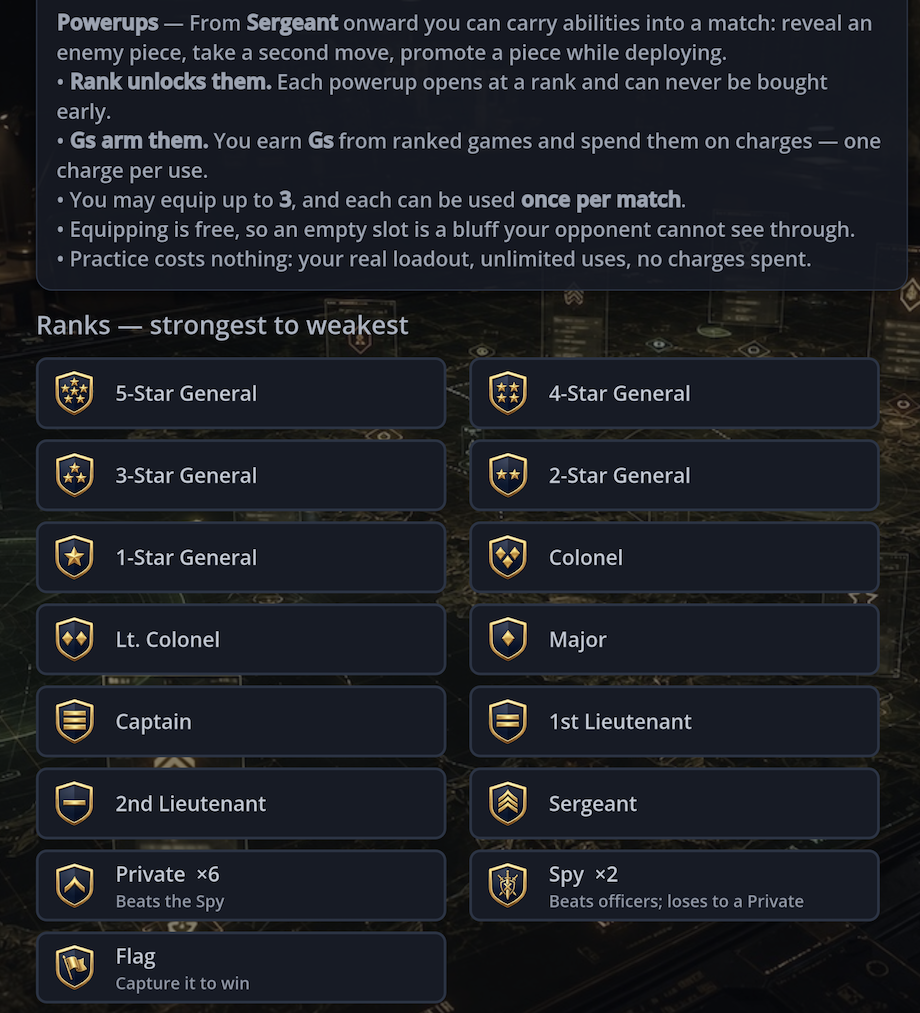
- Move onto an enemy piece to challenge it. Higher rank wins; equal ranks both fall.
- The Spy beats every officer — and loses to a lowly Private.
- Any piece can capture the Flag.
- You only learn a rank when it fights. Everything else is a read.
25 seconds a turn. Run out and a random legal move is played for you, plus a strike. Three strikes and you lose.
Two ways to play
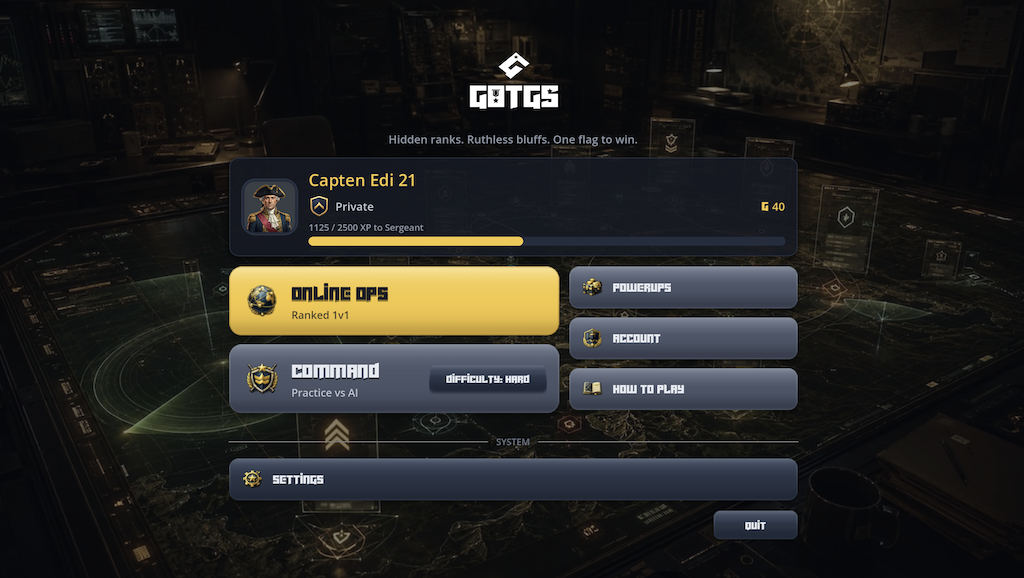
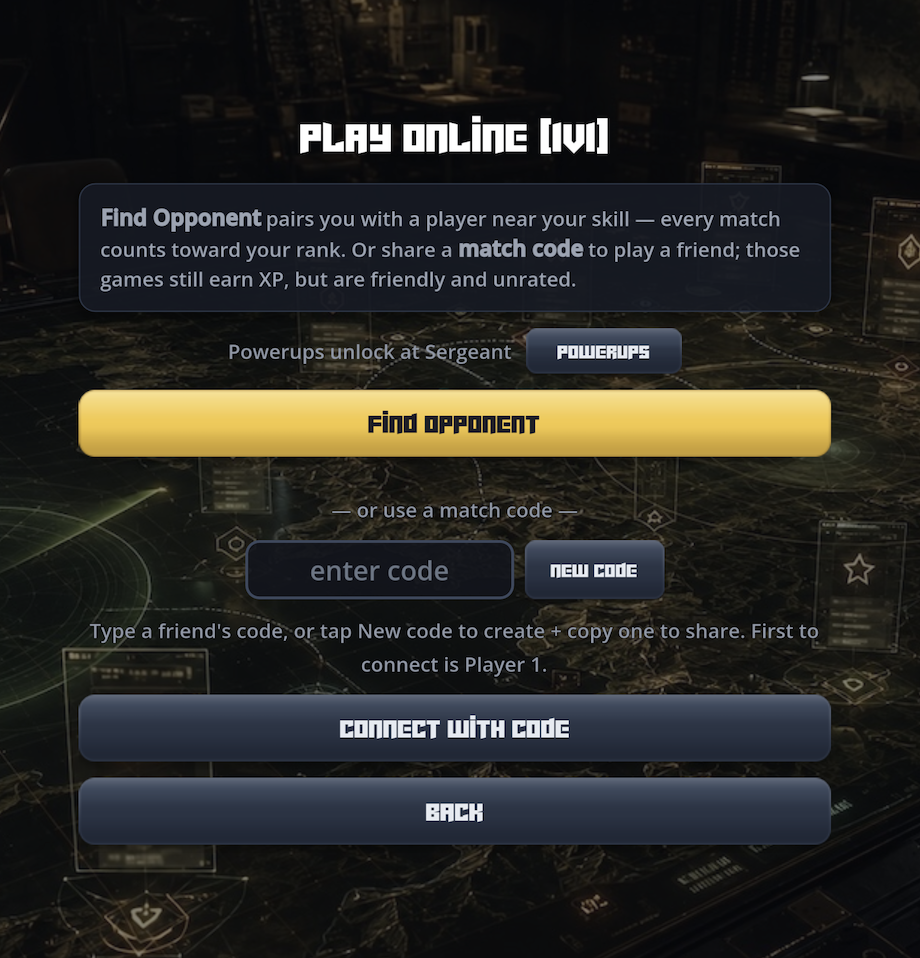
- Online Ops — ranked 1v1 against a real player, paired by skill.
- Command — practice against the AI on Easy, Medium, or Hard. Free, and it never touches your rank.
Rank up
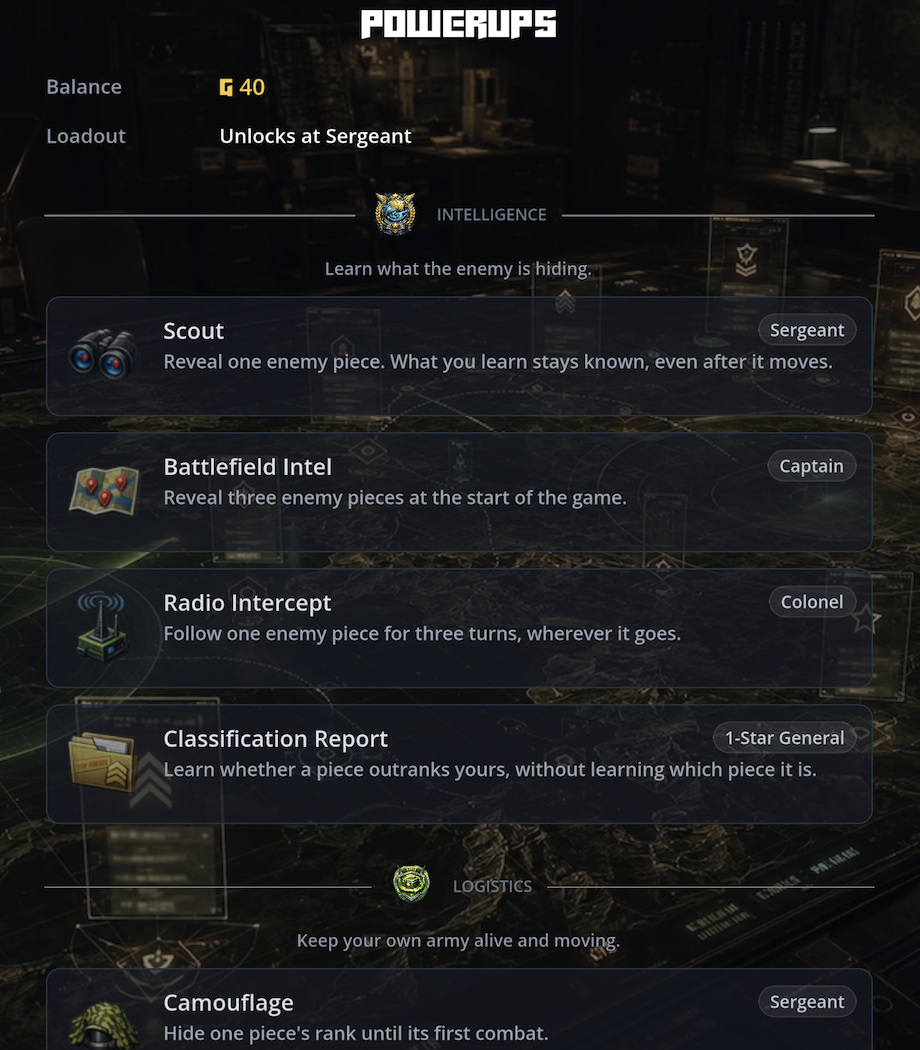
Fourteen ranks, Private to Spy, earned online. Ranking up unlocks powerups — reveal an enemy piece, take a second move, promote a piece while deploying — and pays out Gs, which arm them. Carry up to three into a match, one use each.
No sign-up
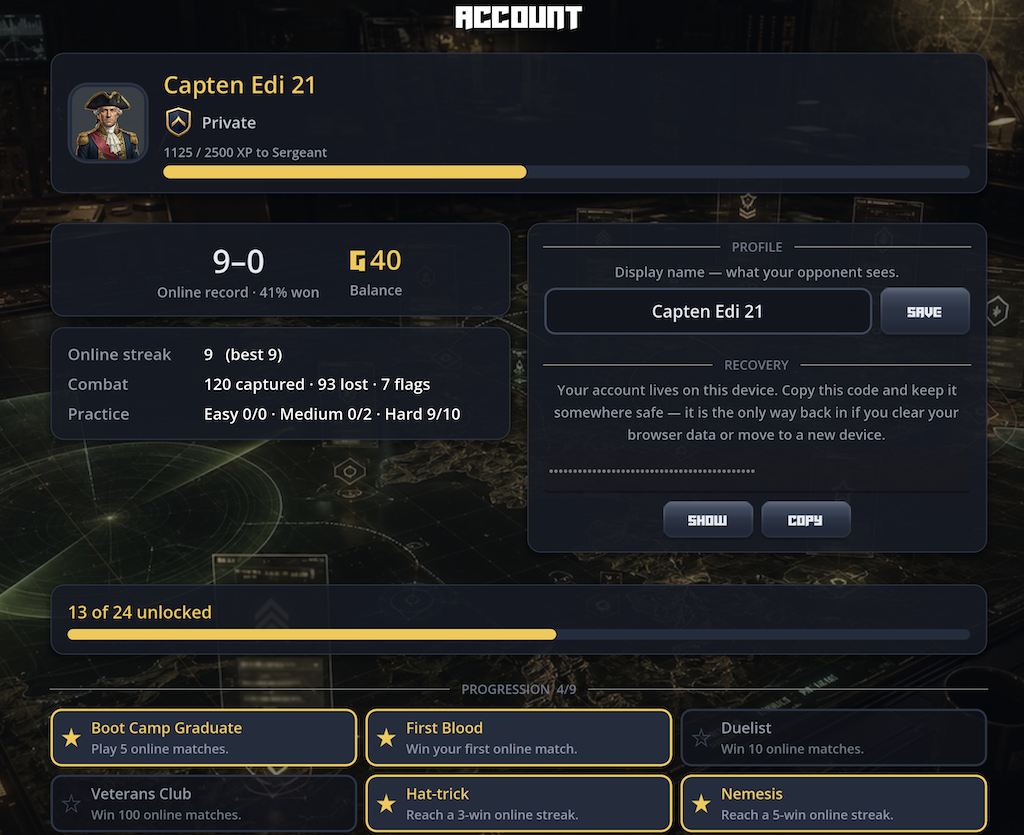
Your account is created the first time you launch. Keep the recovery code on the Account screen; it is how you get back in on a new device.
Plays in the browser, or download for Windows, macOS, and Linux. Built mobile-first — Android is next.
Download
Install instructions
Running the downloads
These builds aren’t code-signed with a paid certificate yet, so your system may warn you on first launch. It’s safe — here’s how to open it:
- macOS: right-click GOTGs.app → Open → Open. If that’s blocked, use System Settings → Privacy & Security → “Open Anyway”.
- Windows: if you see “Windows protected your PC”, click More info → Run anyway.
- Linux: extract the
.tar.gzand runGOTGs.x86_64. - Easiest of all: install through the itch.io app — no warnings, and it auto-updates.
Development log
- Season rewards and online campaigns13 days ago
- Introducing Tournaments26 days ago
- GOTGS is on Android32 days ago
- A ladder worth climbing, and an army you can actually arrange35 days ago
- v4.0 — You have an account now37 days ago
- v2.2.0 — A bigger board, full sound, and smoother online44 days ago
- Now on Desktop — Windows, macOS & Linux50 days ago
- Hidden Ranks, Real Opponents — Online 1v1 Launches51 days ago
Leave a comment
Log in with itch.io to leave a comment.